
How to Apply for Jobs on Udyojak Sangh: Complete Step-by-Step Guide | उद्योजक संघ पोर्टल पर नौकरी के लिए आवेदन कैसे करें: पूरी जानकारी
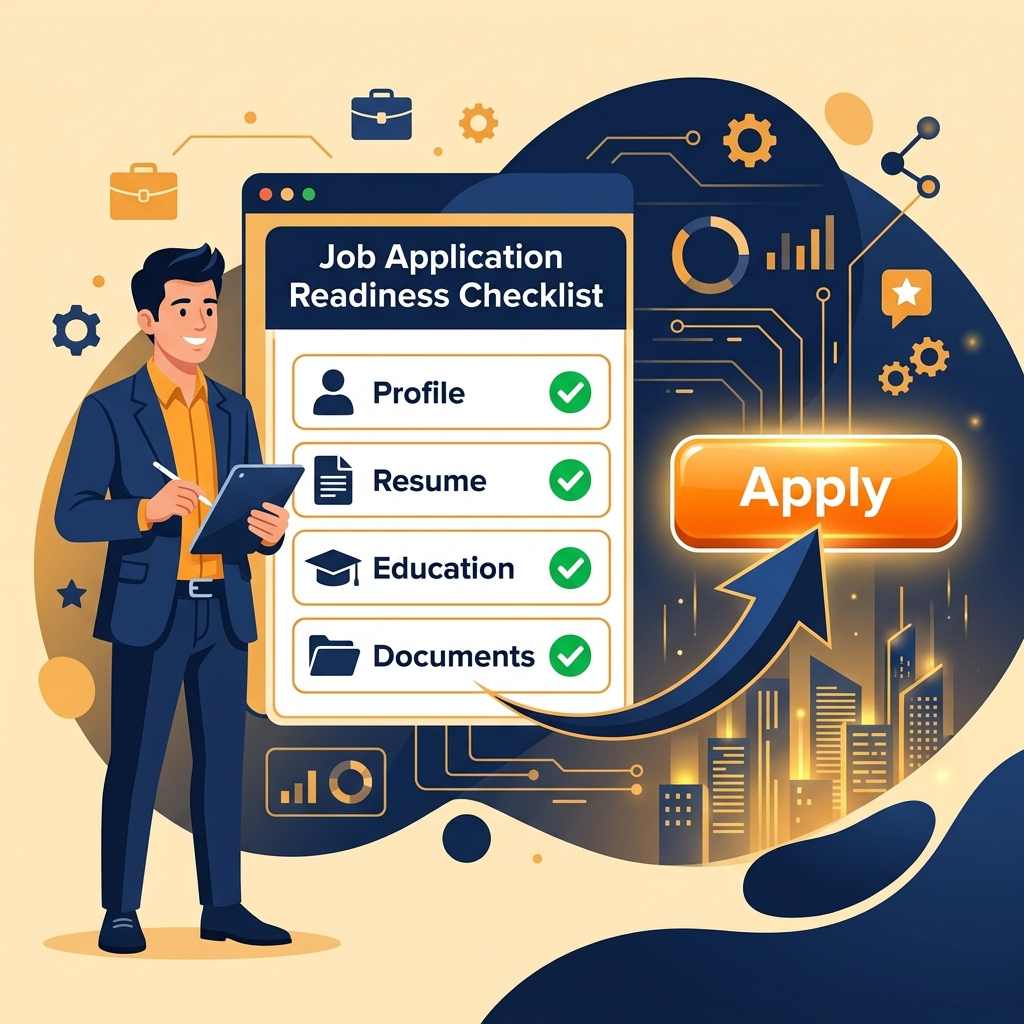
WARNING: Registration is NOT the same as Applying!
English: We have noticed that many candidates register on our portal but forget to actually apply for jobs. Just creating an account does NOT mean you have applied. You must complete your profile (all 6 checklist items) and submit your application for specific jobs!
चेतावनी: केवल पंजीकरण करना आवेदन करना नहीं है!
हिंदी: हमने देखा है कि कई उम्मीदवार हमारे पोर्टल पर पंजीकरण तो कर लेते हैं, लेकिन नौकरियों के लिए वास्तव में आवेदन करना भूल जाते हैं। केवल खाता बनाने का मतलब यह नहीं है कि आपने आवेदन कर दिया है। आपको अपनी प्रोफाइल पूरी करनी होगी (सभी 6 चेकलिस्ट आइटम) और विशिष्ट नौकरियों के लिए अपना आवेदन जमा करना होगा!
Applying for a job on Udyojak Sangh (उद्योजक संघ) is a simple process, but it requires a fully completed profile to ensure companies receive verified and accurate candidate profiles. Follow this simple step-by-step guide to complete your application.
Account Registration / नया खाता पंजीकरण
English: Go to the Registration Page. Enter your full name, father's name, mother's name, mobile number, email address, and set a password. You will receive an email confirmation once registered.
हिंदी: सबसे पहले पंजीकरण पृष्ठ पर जाएं। अपना पूरा नाम, पिता का नाम, माता का नाम, मोबाइल नंबर, ईमेल पता दर्ज करें और एक पासवर्ड सेट करें। सफल पंजीकरण के बाद आपको ईमेल प्राप्त होगा।
Complete the 6-Step Checklist / प्रोफाइल के 6 चरणों को पूरा करें
The 6 Mandatory Profile Requirements:
- 1. Personal Details (व्यक्तिगत विवरण): Complete your full address, district, pin code, gender, DOB.
- 2. Profile Photo (प्रोफाइल फोटो): Upload a professional passport-size photo of yourself.
- 3. Signature (हस्ताक्षर): Upload a clear image of your signature on white paper.
- 4. Educational Details (शैक्षणिक योग्यता): Add at least one level of education (e.g. Class 10th, 12th, or ITI/Diploma) and upload the certificate.
- 5. Skills (कौशल प्रोफाइल): Add at least one skill you possess (e.g. Computer operation, driving, manufacturing trade).
- 6. Identity Documents (पहचान पत्र): Upload a scanned copy of an official ID (Aadhar Card, PAN Card, or Voter ID).
English: You can edit and complete these steps from your candidate Dashboard. Each of these steps must show a green checkmark before the system allows you to submit any job applications.
हिंदी: आप इन विवरणों को अपने डैशबोर्ड पर जाकर अपडेट कर सकते हैं। आवेदन करने के लिए इन सभी छह चरणों का पूरा होना (हरा निशान होना) अनिवार्य है।
Find and Select a Job / नौकरी खोजें और चुनें
English: Visit the Jobs Portal to search through hundreds of active job listings. Filter by location (like Patna, Gaya, Muzaffarpur) or by your category (e.g. IT, Security Guard, Construction, Garments). Click on a job to view its details.
हिंदी: नौकरी पोर्टल पर जाएं जहां सैकड़ों सक्रिय नौकरियां उपलब्ध हैं। आप स्थान (जैसे पटना, गया, मुजफ्फरपुर) या श्रेणी (जैसे सुरक्षा गार्ड, कंस्ट्रक्शन, कंप्यूटर) के आधार पर खोज सकते हैं। पूर्ण जानकारी देखने के लिए नौकरी पर क्लिक करें।
Click 'Apply Now' and Submit / 'आवेदन करें' (Apply Now) पर क्लिक करें
English: On the job details page, click the "Apply Now / आवेदन करें" button. A verification modal will open. If your profile is complete, you can write an optional cover letter/introductory note and click Confirm & Submit Application.
हिंदी: नौकरी विवरण पृष्ठ पर, "Apply Now / आवेदन करें" बटन पर क्लिक करें। यदि आपकी प्रोफाइल पूरी है, तो आप एक संक्षिप्त परिचय (वैकल्पिक) लिखकर Confirm & Submit Application पर क्लिक कर सकते हैं।
Pay Exam Fee (If Applicable) / परीक्षा शुल्क का भुगतान (यदि आवश्यक हो)
English: If the job is free, your application will be successfully submitted instantly. If the job requires an exam fee, you will be redirected to the payment page to pay the fee securely online via UPI, Google Pay, PhonePe, Netbanking, or Cards.
हिंदी: यदि नौकरी के लिए कोई परीक्षा शुल्क नहीं है, तो आपका आवेदन तुरंत जमा हो जाएगा। यदि शुल्क आवश्यक है, तो आपको ऑनलाइन भुगतान पृष्ठ पर रीडायरेक्ट किया जाएगा जहाँ आप UPI, Google Pay, PhonePe या कार्ड के माध्यम से सुरक्षित भुगतान कर सकते हैं।
Attempt the Online Exam / ऑनलाइन परीक्षा दें
English: After successful application and payment, your online exam will be scheduled. Go to the "Exams" page from your dashboard and click "Start Exam". Answer all questions within the given time limits.
हिंदी: सफल आवेदन और भुगतान के बाद, आपकी परीक्षा निर्धारित की जाएगी। अपने डैशबोर्ड में "Exams" पर जाकर परीक्षा शुरू करें और दिए गए समय में सभी प्रश्नों के उत्तर दें।
Check Results & Get Interview Call / परिणाम देखें और साक्षात्कार कॉल प्राप्त करें
English: Once results are declared on the announced date, you can check your score and qualification status under the job detail page or dashboard. Qualified candidates will receive onboarding/interview calls directly from the respective companies!
हिंदी: घोषित तिथि पर परिणाम जारी होने के बाद, आप डैशबोर्ड या नौकरी विवरण पृष्ठ पर अपनी पात्रता स्थिति देख सकते हैं। उत्तीर्ण उम्मीदवारों को कंपनियों द्वारा सीधे संपर्क किया जाएगा!